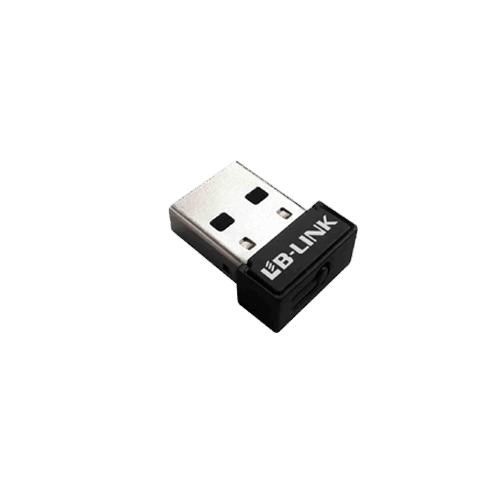
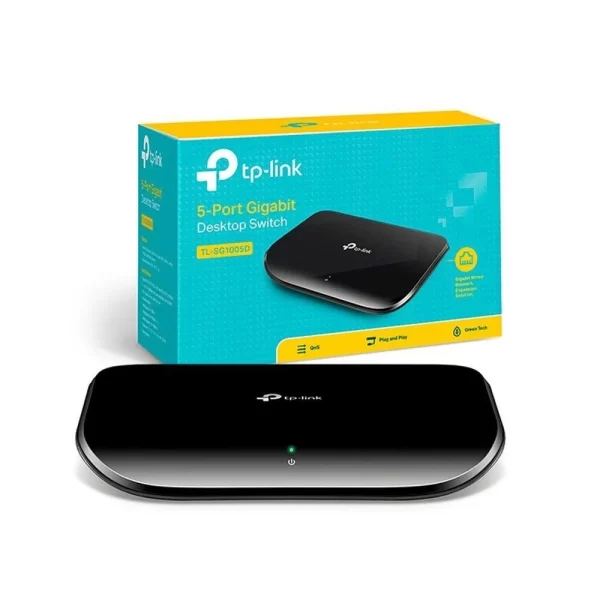
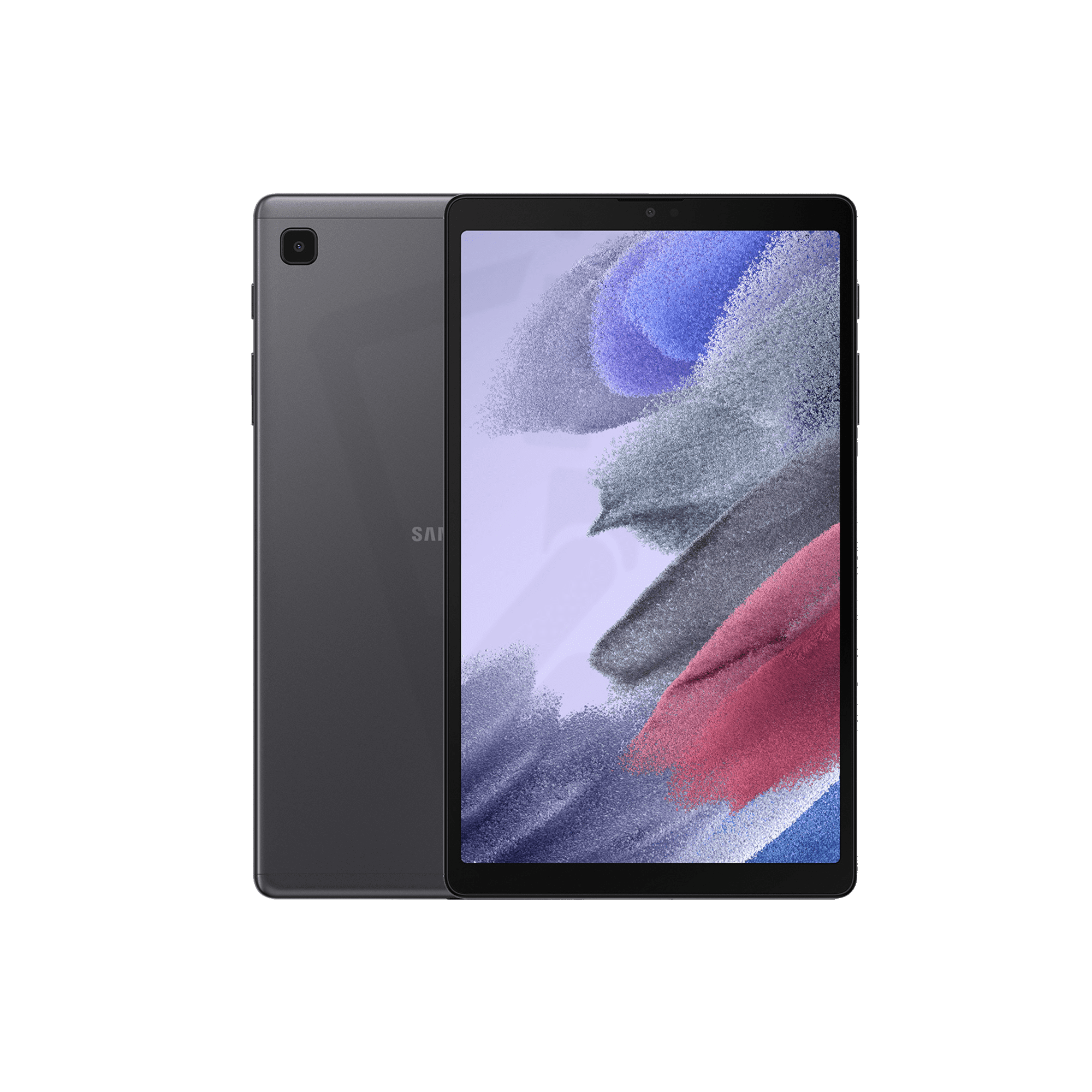
The way we work has fundamentally changed, with more Sri Lankans than ever working from home either full-time or in hybrid arrangements. Whether you're a remote employee, freelancer, entrepreneur, or student, having a well-designed home office can significantly impact your productivity, comfort, and professional success. Let's explore how to create an optimal home workspace with quality technology and solutions from Suhadha Computer Center, one of Sri Lanka's trusted retailers for computing equipment.
Why Investing in a Proper Home Office Matters
Many people underestimate the importance of a dedicated, well-equipped workspace at home, often making do with a laptop on the dining table or sofa. However, a proper home office setup offers several crucial benefits:
Improved Productivity
A dedicated workspace with proper equipment minimizes distractions and technical frustrations that interrupt your workflow.
Priyanthi, a marketing consultant from Colombo, shares her experience: "When I started working remotely, I was using my laptop on the dining table. My productivity suffered from constant interruptions and uncomfortable seating. After creating a proper home office with equipment from Suhadha, including a desktop PC and ergonomic chair, my output increased by at least 30%."
Better Work-Life Balance
A distinct workspace helps create psychological boundaries between work and personal life, allowing you to "leave work" even when you're still at home.
Professional Appearance
For video meetings and calls, a well-designed workspace projects professionalism to colleagues and clients.
Physical Health and Comfort
Ergonomic equipment reduces the risk of repetitive strain injuries, back pain, and eye strain during long work hours.
Essential Components of an Effective Home Office
The Foundation: Selecting the Right Computer
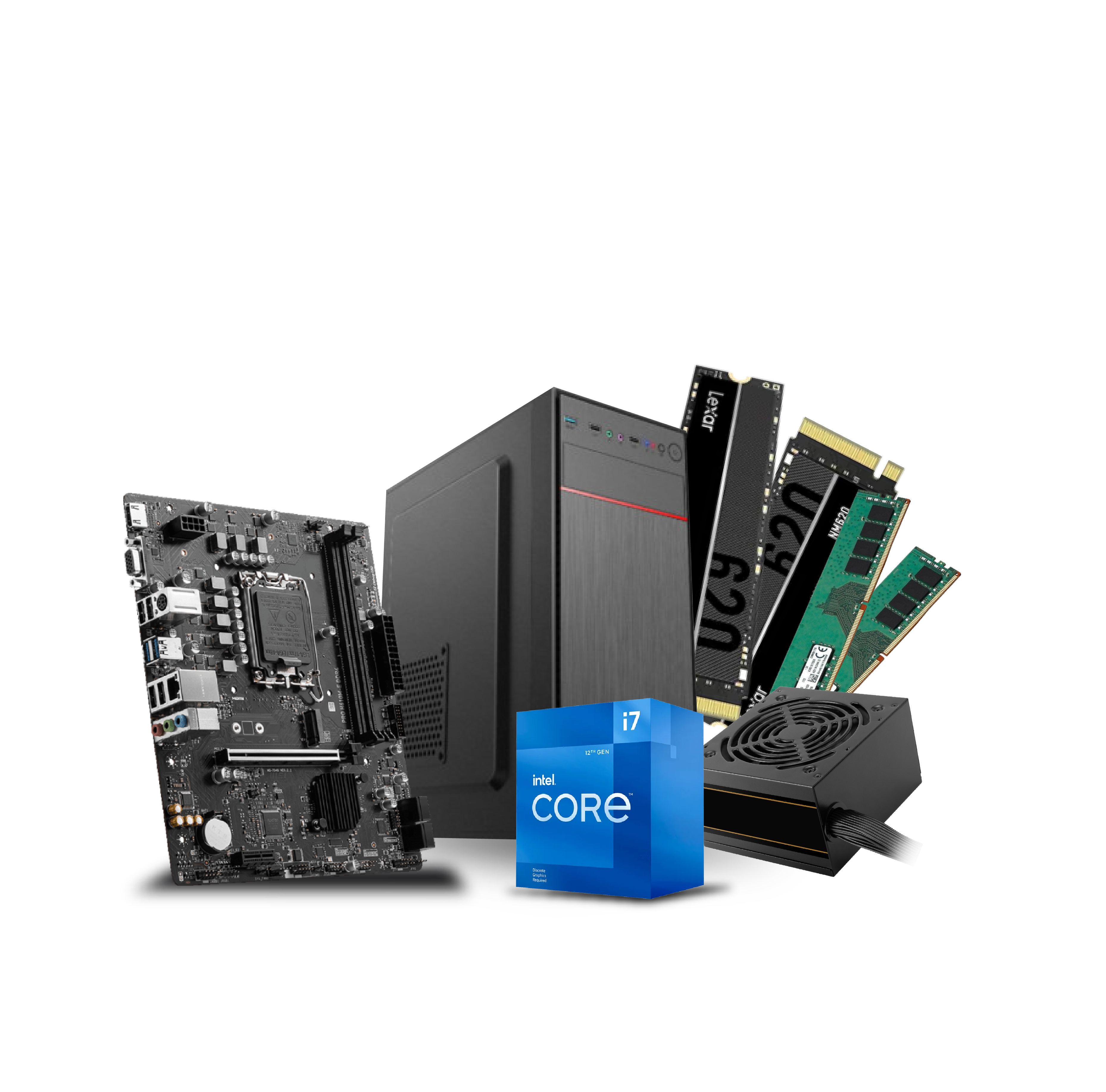
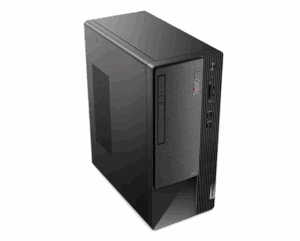
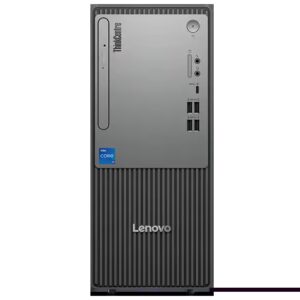
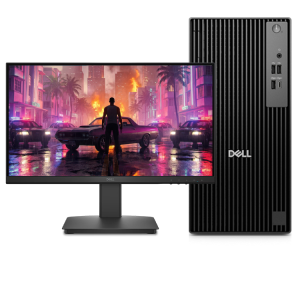
Your choice of computer is the cornerstone of your home office. Suhadha offers several options to match different work requirements:
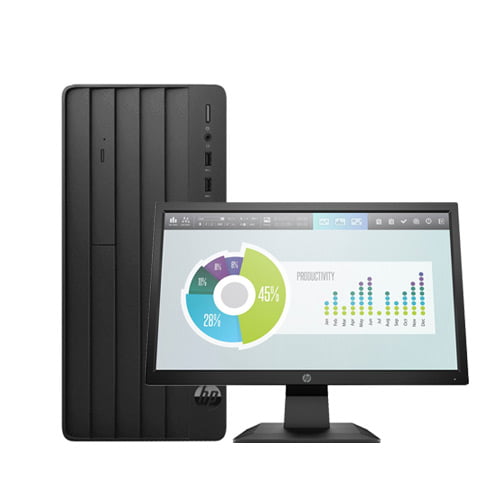
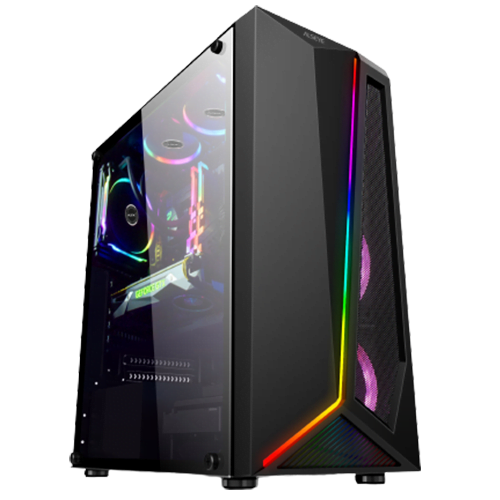
Desktop Computers
For fixed workspaces, desktop computers offer several advantages:
- Better performance for the price
- Larger screens and better ergonomics
- More upgradeability and customization
- Typically longer lifespan
Ideal for: Permanent home offices, power users, and those requiring larger screens or multiple monitors.
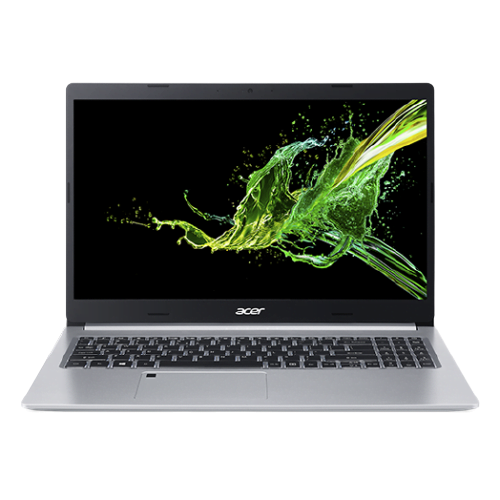
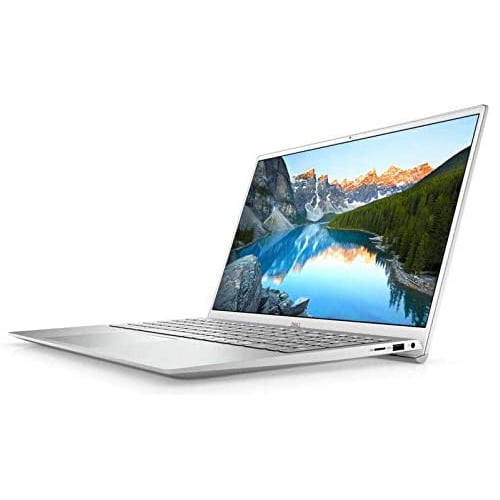
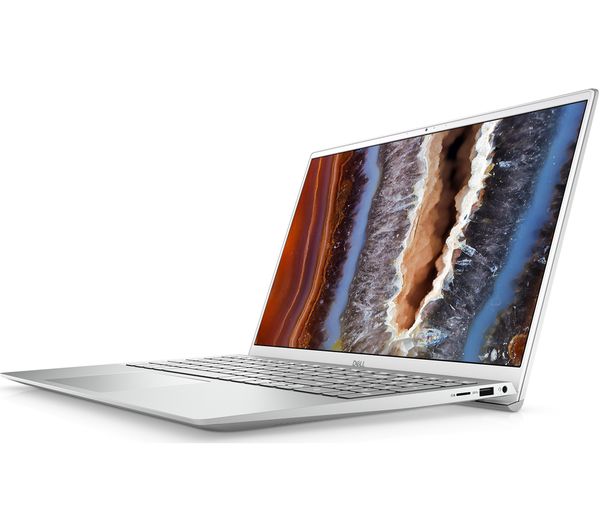
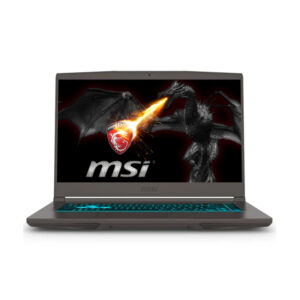
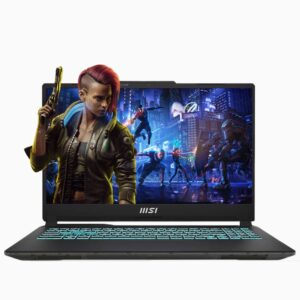
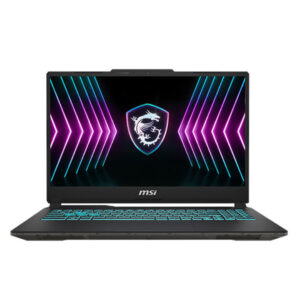
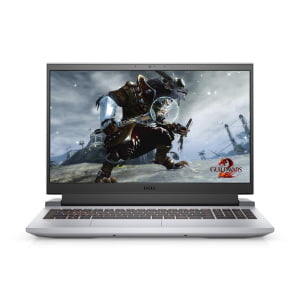
Professional Laptops
For those needing flexibility, professional laptops provide:
- Portability for working from different locations
- All-in-one solution with built-in webcam and microphone
- Space efficiency for smaller homes
- Option to connect to external monitors when needed
Ideal for: Hybrid workers, those with space constraints, or professionals who sometimes work away from home.
The Visual Experience: Monitor Setup
For many knowledge workers, additional screen space directly translates to increased productivity.
Single Monitor Setups
If space is limited, opt for a larger monitor (24-27 inches) with higher resolution. Suhadha offers quality monitors in various sizes and specifications.
Dual Monitor Setups
Using two monitors allows for reference materials on one screen while working on another, significantly reducing the time spent switching between windows.
Dinesh, a software developer working remotely, explains: "Adding a second monitor to my home office setup was a game-changer. I can have my code on one screen and reference documentation on the other. Suhadha helped me select compatible monitors and the right mounting solution for my small desk space. My coding efficiency improved dramatically."
Monitor Mounts
Monitor arms free up desk space and allow for ergonomic positioning to reduce neck strain.
Input Devices: Beyond the Basics
Professional Keyboards
Quality keyboards from Suhadha's keyboard collection reduce typing fatigue during long workdays:
- Mechanical keyboards offer tactile feedback and durability
- Ergonomic keyboards reduce wrist strain
- Wireless options reduce cable clutter
Precision Mice
A good quality mouse from Suhadha's mouse selection makes navigation more efficient and comfortable:
- Ergonomic shapes reduce hand fatigue
- Programmable buttons automate common tasks
- Wireless options provide freedom of movement
Audio and Video: Professional Communication Solutions
For virtual meetings, quality audio and video make a significant difference in how you're perceived professionally.
Webcams
If your laptop's built-in camera isn't providing clear video, consider a dedicated webcam for better video quality, especially in low-light conditions.
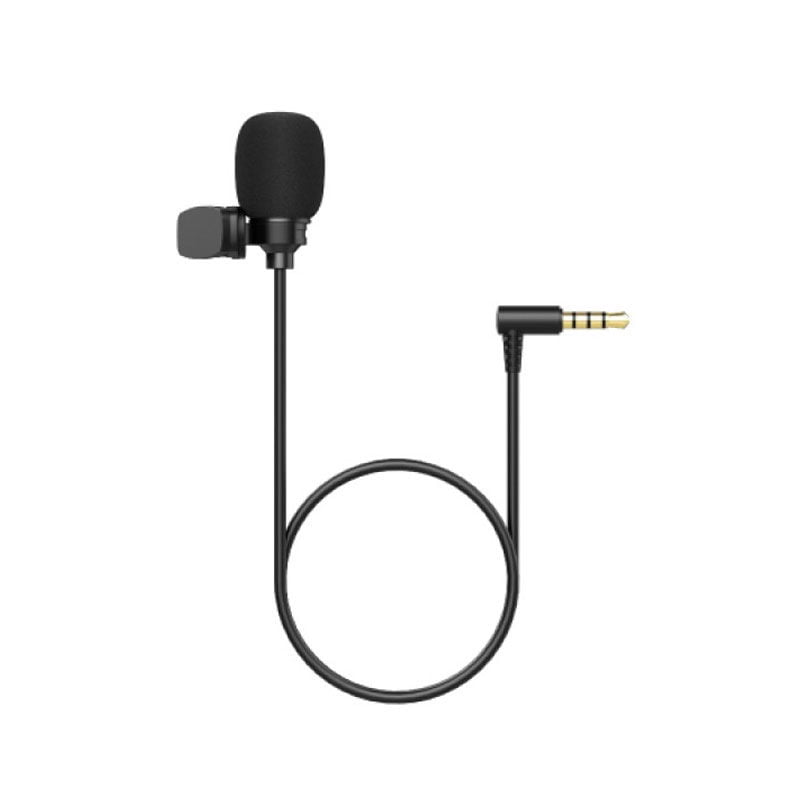
Headsets and Microphones
For clear communication, quality headsets or microphones ensure you're heard professionally without background noise or echoes.
Lakshmi, a customer service representative working from home, notes: "My team complained they couldn't hear me clearly during calls when I used my laptop's built-in microphone. The professional headset I purchased from Suhadha eliminated background noise from my busy household, and my call quality ratings improved immediately."
Connectivity: Reliable Networking Solutions
Consistent internet connection is the lifeline of remote work. Suhadha offers multiple networking solutions to ensure you stay connected:
Routers and WiFi Extenders
- Upgrade to a modern router for better coverage and speeds
- Add WiFi extenders to eliminate dead zones in your home
- Consider mesh networks for larger homes
Backup Connectivity
For professionals who cannot afford downtime:
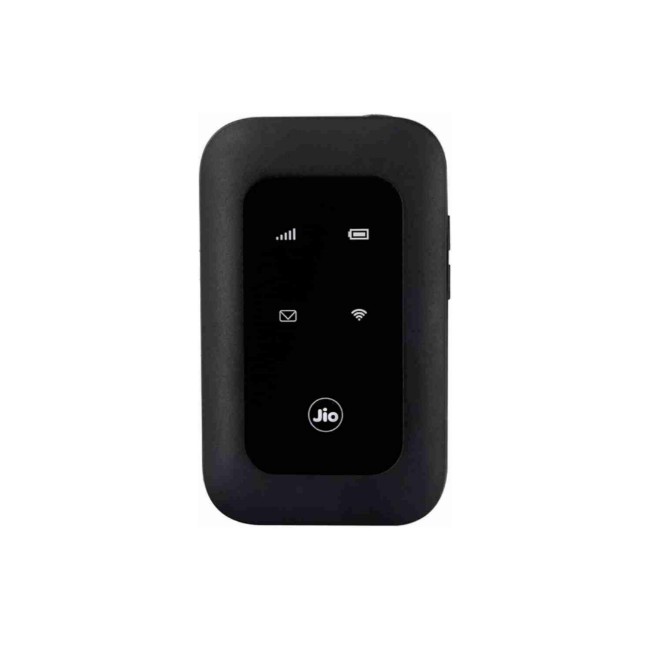
- 4G/5G routers as backup internet solutions
- UPS systems to keep your network running during power outages
Rajiv, a financial analyst, shares: "During an important client presentation, my home internet failed. Thankfully, I had invested in a 4G router from Suhadha as a backup solution. I switched over immediately and completed the presentation without the client even noticing the change. That single incident justified the entire investment."
Ergonomics: The Often Overlooked Aspect
While Suhadha specializes in technology, they understand the importance of ergonomics in a productive home office:
Monitor Positioning
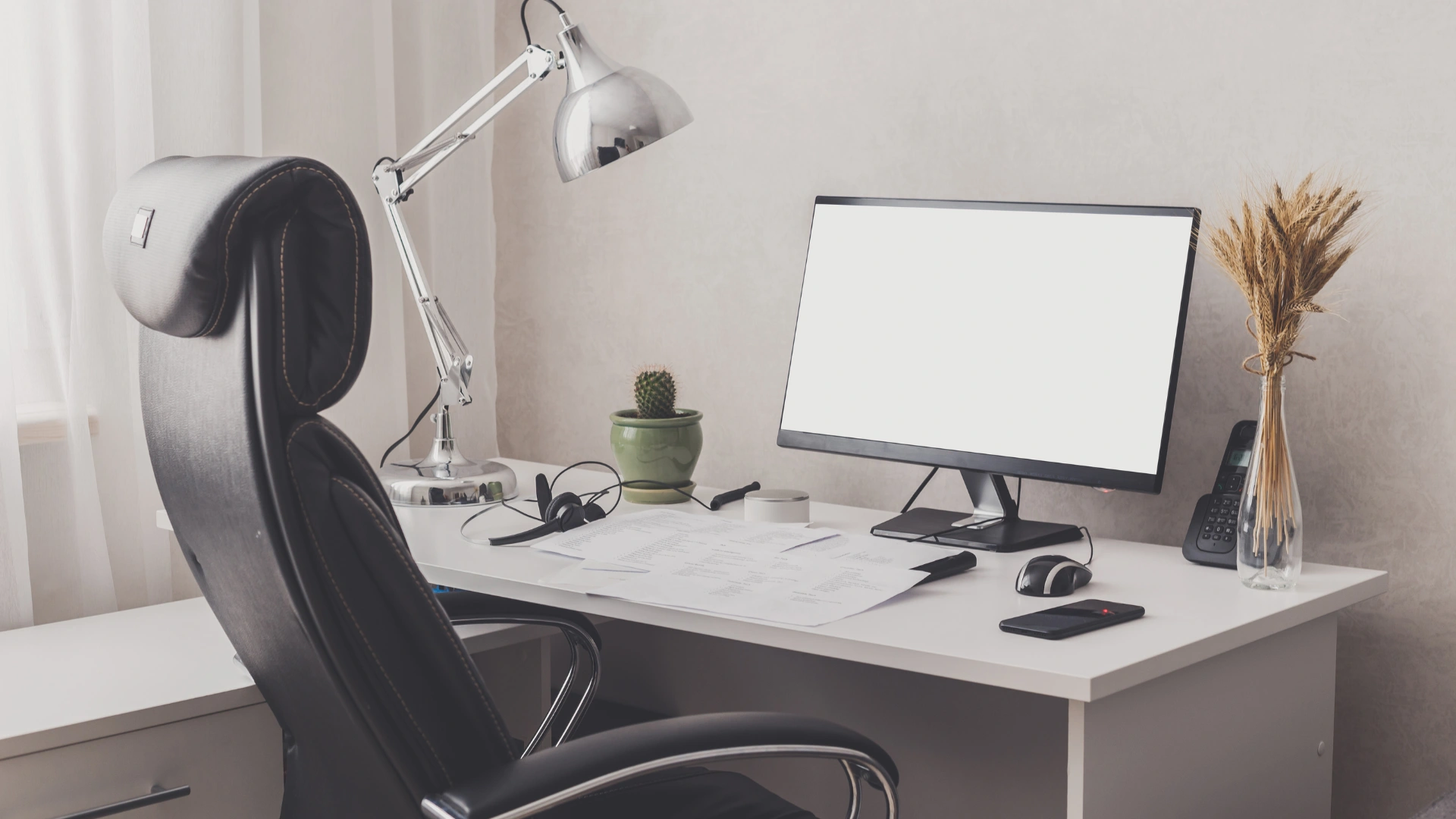
Position your monitor at eye level, approximately an arm's length away, to reduce neck strain.
Keyboard and Mouse Placement
Your keyboard and mouse should be positioned so your elbows are at 90 degrees when typing.
Lighting Solutions
Proper lighting reduces eye strain and improves webcam video quality:
- Position your desk to use natural light when possible
- Avoid direct light sources behind your monitor to prevent glare
- Consider desk lamps with adjustable brightness for evening work
Real-Life Home Office Transformations
The Freelancer's Compact Setup
Malini, a freelance graphic designer from Kandy, transformed a small corner of her apartment:
"Space was my biggest constraint, so I worked with Suhadha to design a minimal but powerful setup. They recommended a space-saving all-in-one desktop with a 27-inch screen, wireless peripherals to reduce clutter, and wall-mounted shelving for storage. Despite the small footprint, this setup handles heavy design software with ease, and the ergonomic positioning has eliminated the back pain I used to experience when working from my laptop on the dining table."
The Corporate Remote Worker's Professional Setup
Asela, a senior manager at a multinational company, needed a home office that could replicate his corporate environment:
"I handle confidential information and participate in high-level video meetings daily. Suhadha helped me create a professional setup with a powerful desktop PC, dual monitors, a high-definition webcam, and professional audio equipment. They also advised on proper lighting and background considerations for video calls. My home office now offers the same functionality as my corporate one, and colleagues often comment on the professional quality of my video presence."
Budget Considerations: Prioritizing Your Investments
Creating the ideal home office can be done in phases. Here's a suggested prioritization:
Essential First Purchases
- A reliable computer suitable for your work requirements
- Proper chair with good back support
- Basic ergonomic keyboard and mouse
Second-Phase Upgrades
- Monitor upgrades or additional screens
- Better audio/video equipment for meetings
- Networking upgrades for reliability
Final Refinements
- Cable management solutions
- Lighting improvements
- Storage and organization systems
The Suhadha Advantage for Home Office Setup
Suhadha Computer Center offers several benefits when creating your home workspace:
- Personalized consultation to understand your specific work requirements and space constraints
- Product compatibility guidance to ensure all components work together seamlessly
- Complete solutions from computers and peripherals to networking equipment
- After-sales support critical for home-based professionals without IT departments
- Upgrade paths that allow for phased improvement of your setup as budget allows
Vishwa, who set up his home office during the pandemic, appreciates this approach: "What I valued most about working with Suhadha was their consultative approach. Rather than pushing the most expensive products, they asked detailed questions about my work and recommended solutions that fit my specific needs and budget. They even provided advice on ergonomic positioning and lighting that weren't directly related to their products."
Final Thoughts
As remote and hybrid work becomes a permanent fixture in Sri Lanka's professional landscape, investing in a proper home office is no longer a luxury but a necessity for productivity, professionalism, and well-being. With the right equipment and setup, you can create a workspace that enhances your performance while maintaining comfort during long workdays.
Ready to transform your home office setup? Visit Suhadha Computer Center or their physical store in Gampaha to explore your options and receive personalized recommendations for your ideal home workspace!