


Top Selling


Blog
Our products


Dell Inspiron 3530 – i5 13th Gen 15.6″ Touch FHD LAPTOP
රු175,000.00
or 3 X රු 58,333.33 with
 *
*
*
Model: Dell Inspiron 3530
Processor: Intel Core i5 13th Gen
RAM: 8 GB
Storage: 512 GB SSD
Display: 15.6" Full HD Touchscreen
Operating System: Windows 11 Home
Graphics: Integrated Intel UHD Graphics
Connectivity: Wi-Fi, Bluetooth, USB, HDMI
Design: Sleek and portable for home and office use
Battery: Long-lasting, suitable for daily productivity
Processor: Intel Core i5 13th Gen
RAM: 8 GB
Storage: 512 GB SSD
Display: 15.6" Full HD Touchscreen
Operating System: Windows 11 Home
Graphics: Integrated Intel UHD Graphics
Connectivity: Wi-Fi, Bluetooth, USB, HDMI
Design: Sleek and portable for home and office use
Battery: Long-lasting, suitable for daily productivity
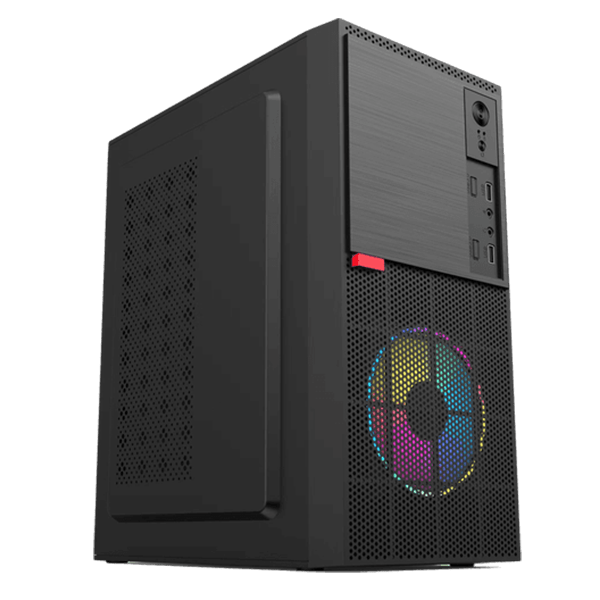
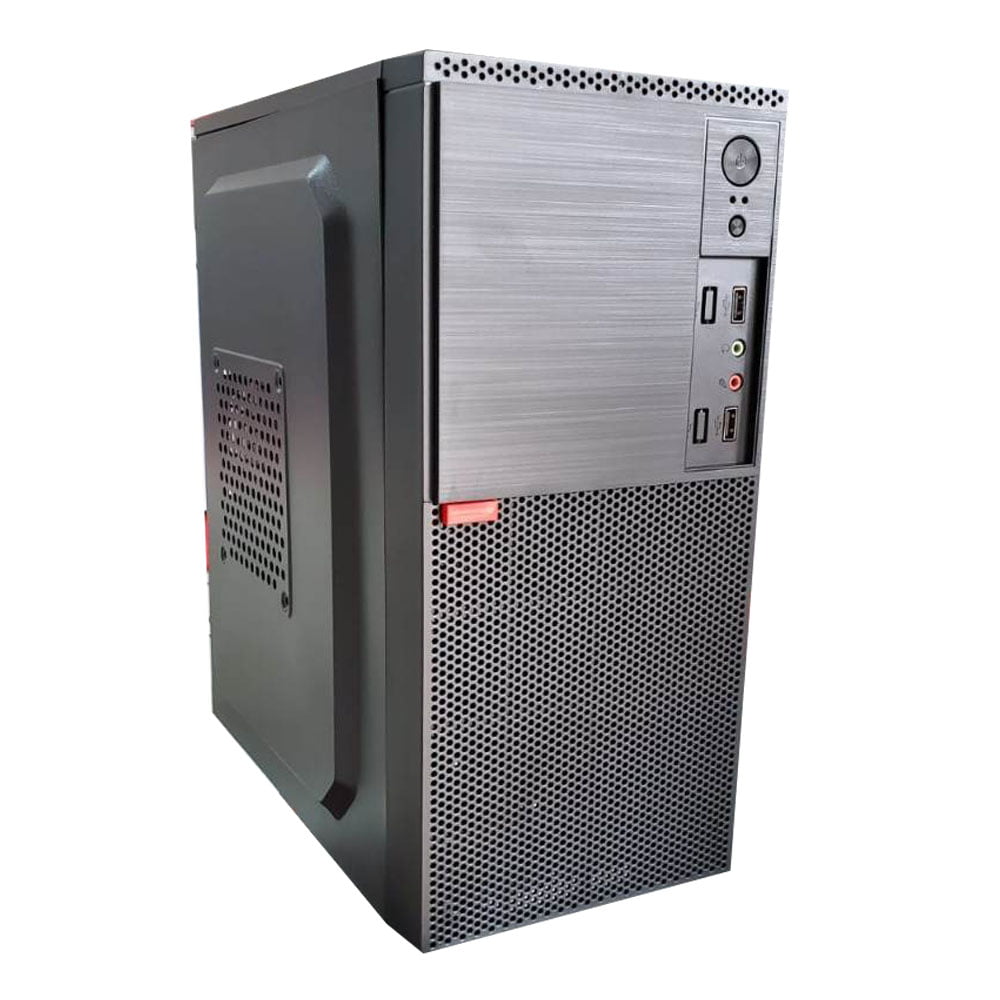
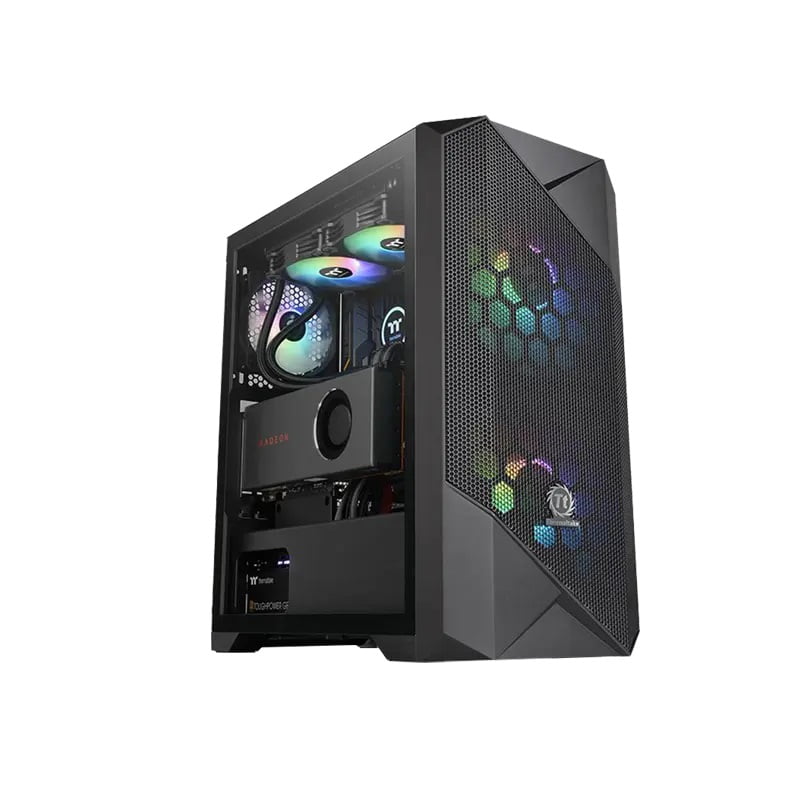
INTEL CORE I5 11400f 16GB RAM 512GB SSD – NVME RUIX LINGYUE CASING DESKTOP PC
රු150,000.00
or 3 X රු 50,000.00 with
*
* 
DELL LATITUDE 5490 Core i5 7th Gen Laptop
රු69,500.00
or 3 X රු 23,166.67 with
*
*
Intel® Core™ i5 – 7th Generation
14″ HD (1366 × 768) Anti-Glare Display
8GB DDR4 RAM
256GB nVME
Integrated Intel® HD Graphics
Full-size keyboard
HD Webcam
Integrated stereo speakers
Wi-Fi, Bluetooth
USB, HDMI, LAN, Audio Jack
Windows 10 Pro / Windows 11 (Upgradeable)
🖥️ Dell Latitude 5480 / 5490 Core i5 7th Gen Laptop – Reliable Business Performance
The Dell Latitude 5480 / 5490 is a dependable business-class laptop built for everyday office work, study, and professional use. Powered by an Intel® Core™ i5 7th Generation processor, this laptop delivers stable performance, durability, and efficiency for multitasking and productivity.
With 8GB RAM, a fast 256GB SSD, and a 14-inch HD display, the Dell Latitude 5480/5490 is ideal for corporate users, students, and work-from-home setups.

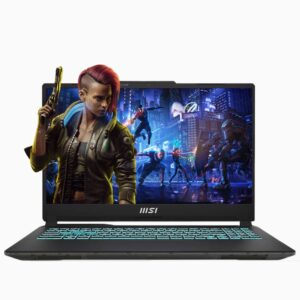
MSI CYBORG 15 A13UC I7-13620H 13TH GEN 15.6″FHD GAMING LAPTOP
Original price was: රු299,000.00.රු295,000.00Current price is: රු295,000.00.
or 3 X රු 98,333.33 with
*
*
MSI Cyborg 15 A13UC: Unleash Your Gaming Potential
- Processor: Intel Core i7-13620H 13th Generation
- RAM: 8GB
- Storage: 512GB NVMe SSD
- Graphics: 4GB NVIDIA GeForce RTX 3050
- Display: 15.6" Full HD (FHD) Display
- Operating System: Windows 11 Pro
- Series: Cyborg
- Designed for Gaming: High-performance specs in a sleek, durable build
- Warranty: 1 Year parts + 2 Years service
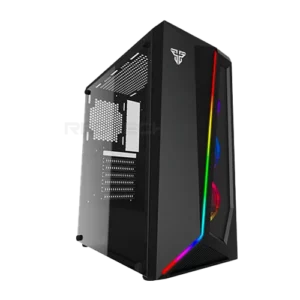
AMD Ryzen™ 5 5600G 16GB RAM 512GB NVME M.2 CG71 CASING DESKTOP PC
රු129,200.00
or 3 X රු 43,066.67 with
*
* 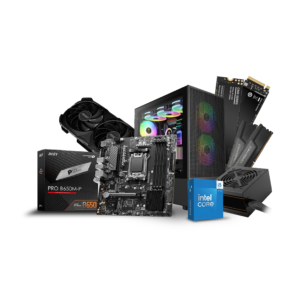
CORE I5 14th GEN DESKTOP COMPUTER
රු312,500.00
or 3 X රු 104,166.67 with
*
* High Performance for Gaming, Editing & Designing
Processor: INTEL CORE I5 14400 (14th Gen)
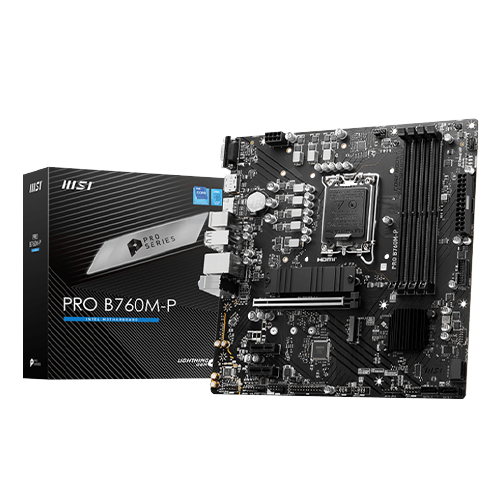
Motherboard: MSI PRO B760M P DDR5
RAM: CORSAIR 32GB DDR5 5600 MHZ
Storage: 512GB NVMe M.2 SSD
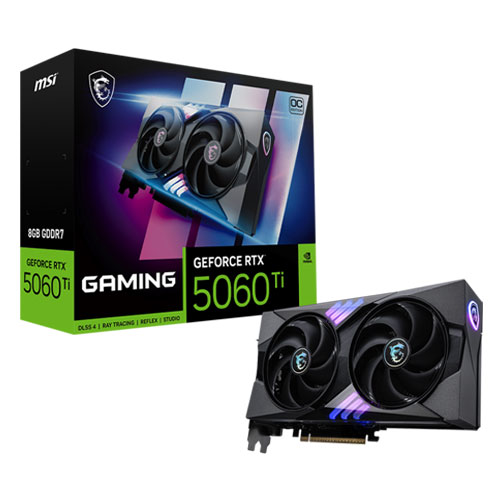
Graphics Card: MSI GeForce RTX 4060 Ventus OC 2X 8GB
Power Supply: GAMDIAS 650W Gaming Power Supply
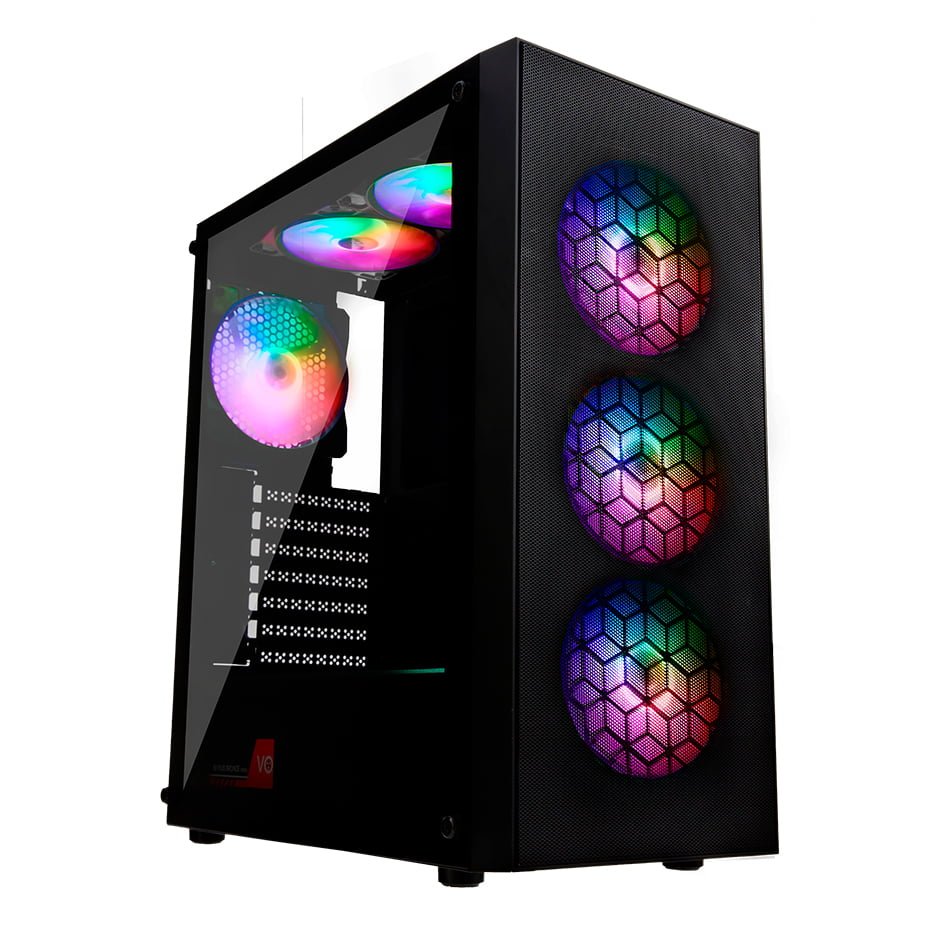
Casing: Gamdias Athena M3 ARGB Mid-Tower Gaming Case
Best for High-end Gaming, Video Editing & Designing